How to schedule WordPress posts in bulk? [STEP BY STEP]☑️
Here in this tutorial we will describe you how to schedule WordPress posts in bulk. If you have multi author on your website and obviously it take up a lot of time to schedule each post one by one. However, there are ways to schedule multiple posts at once.
Follow the steps to schedule WordPress posts in bulk:
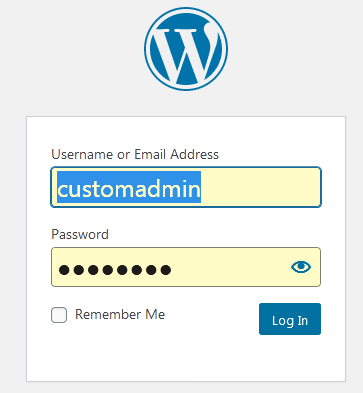
Step::1 Login to your WordPress dashboard
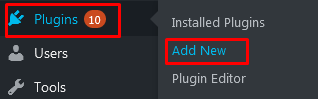
Step::2 Go to Plugins section and click on Add New option
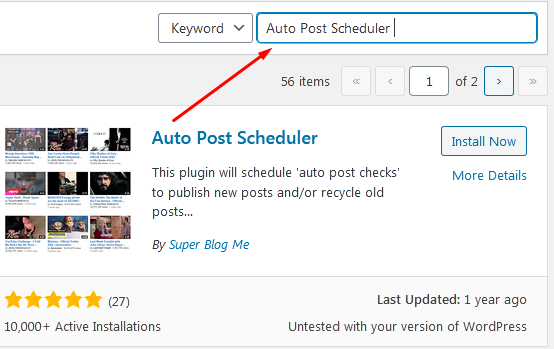
Step::3 Search for Auto Post Scheduler plugin in the available search box
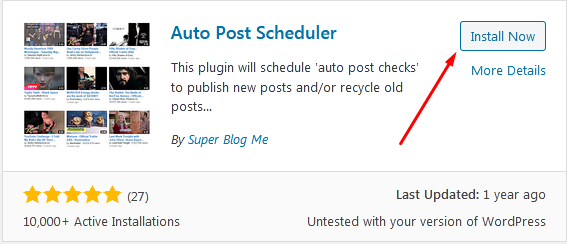
Step::4 Once you find the plugin, click on Install Now button
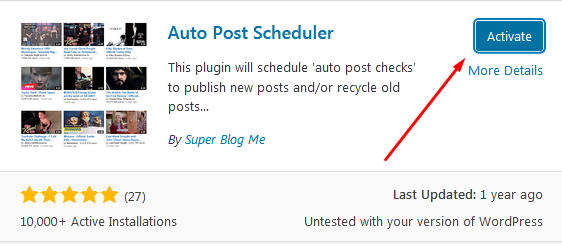
Step::5 Now click on the Activate button
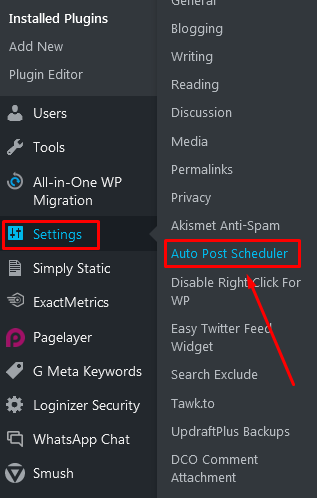
Step::6 On the left-hand admin panel click on Settings and select the Auto Post Scheduler option.
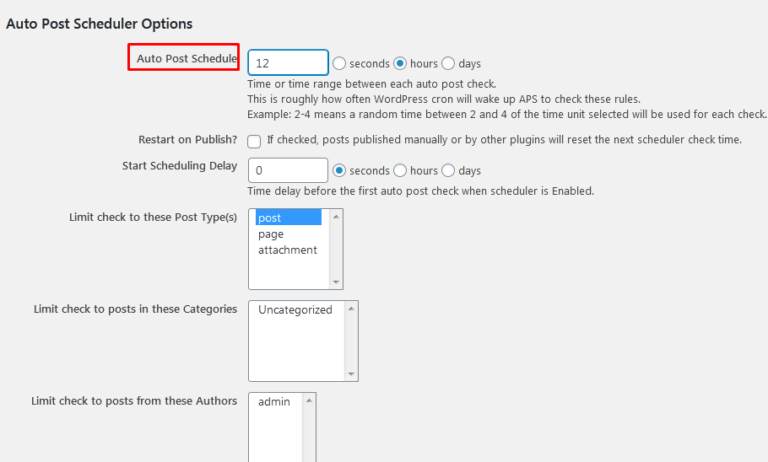
Step::7 In the “Auto Post Schedule” option set the amount of time you would like to schedule your posts. Now for an example If you want to publish 2 posts the number should be 12, 3 should be 8 and so on.
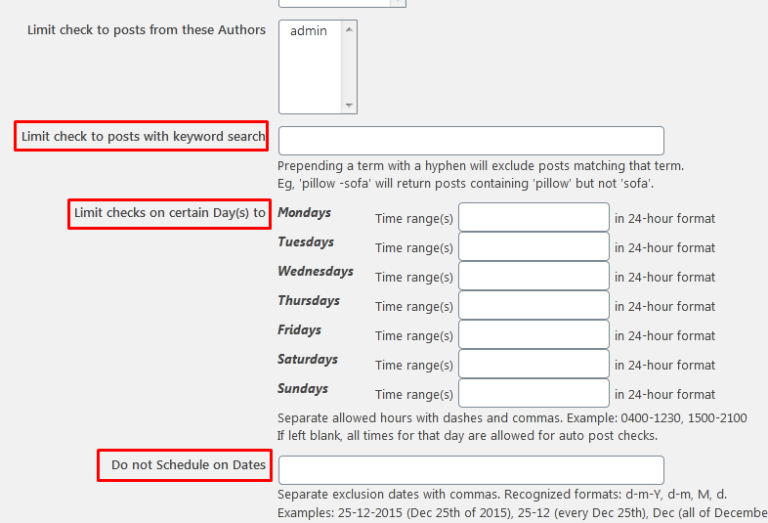
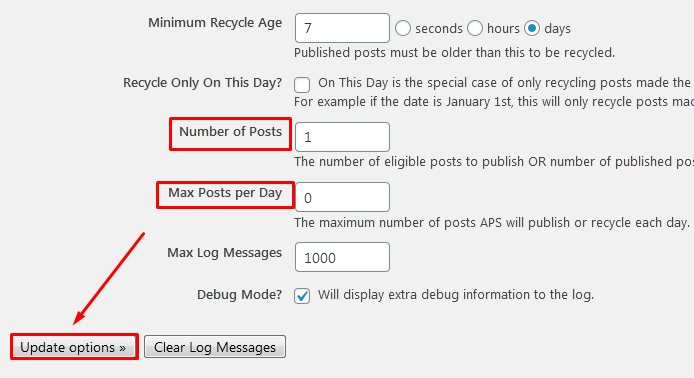
Step::8 Similarly set all the other parameters in the way you like to schedule your posts.
Step::9 Once you are done setting up the plugin, click on the “Update Options” button.
Step::10 Finally, click on the “Enable Auto Post Scheduler” button.
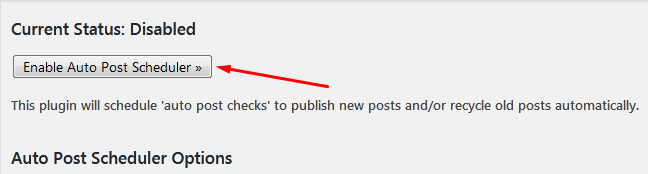
This will turn the plugin on and it will begin working.
Congratulations, you have successfully set up your website to schedule WordPress posts in bulk.
Thanks for Reading this article
The End! should you have any inquiries, we encourage you to reach out to the Vercaa Support Center without hesitation.
