How to Backup a WordPress site to Remote FTP via WP Plugin? [STEP BY STEP]☑️
In this blog we will show you how to backup a WordPress site to Remote FTP server via WP Plugin. This tutorial will provide you step by step process to backup a WordPress website using wp-plugin. So if you want to backup your WordPress site to remote FTP server via plugin then simply go through this blog .
Follow the steps to Backup a WordPress site using wp-plugin:
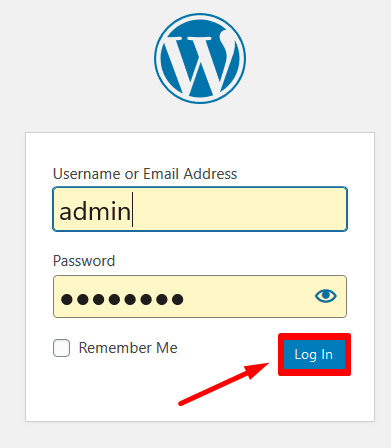
Step::1 Login to your WordPress dashboard
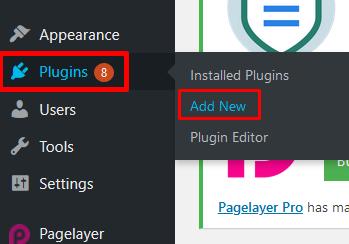
Step::2 Go to Plugins & Click on Add New
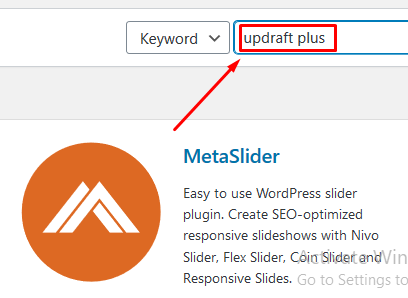
Step::3 Search for Updraft Plus plugin in the search box
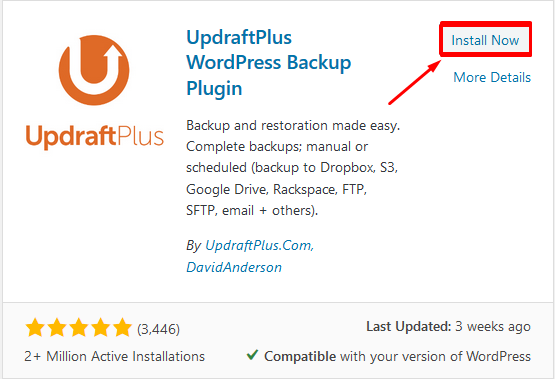
Step::4 Install the Plugin
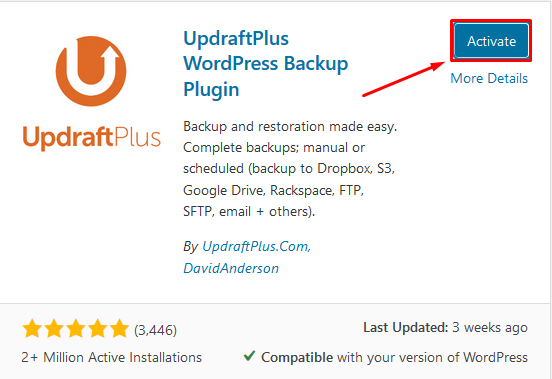
Step::5 Now click on the Activate button
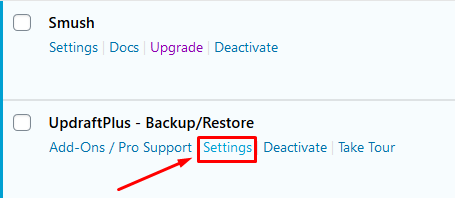
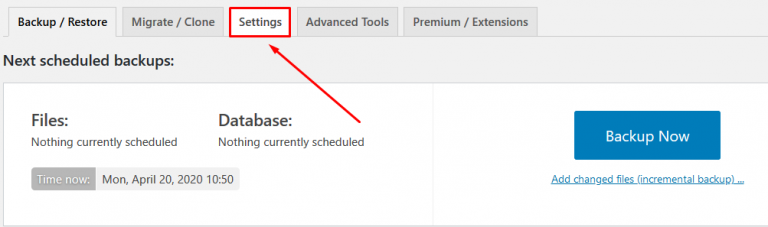
Step::6 Click on the Settings link under the Installed Updraft Plus plugin
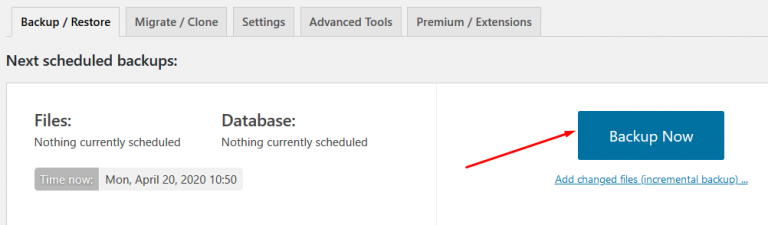
Step::7 Next click over Backup Now under the Backup/Restore section
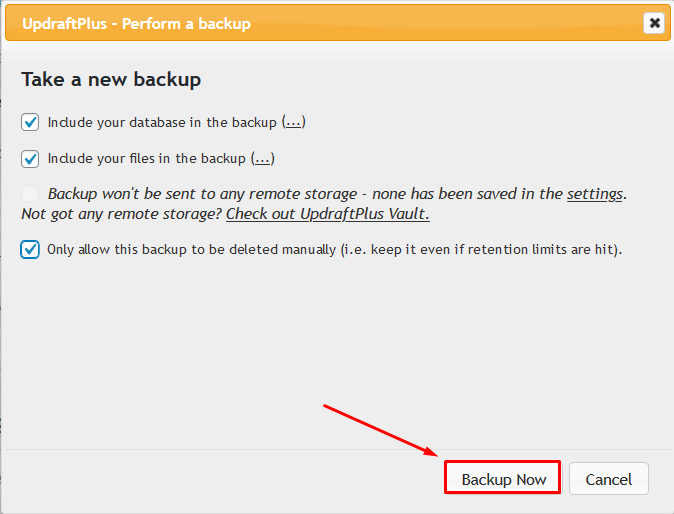
Step::8 Tick the options in the dialog box that appears and click on Backup Now
This will take a bit of time to generate a full backup of your website
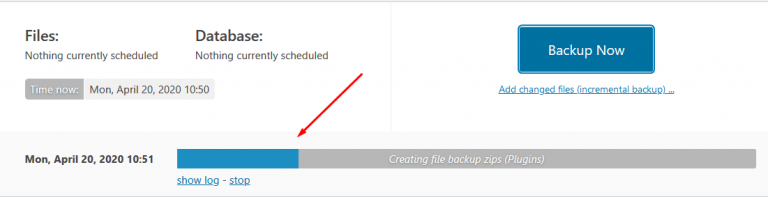
You can view this backup in the Existing Backup section
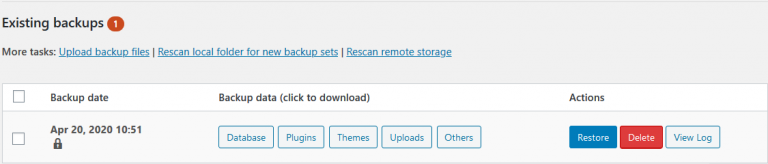
Step::9 Once the backup is generated, again go back to the Settings section of the Plugin
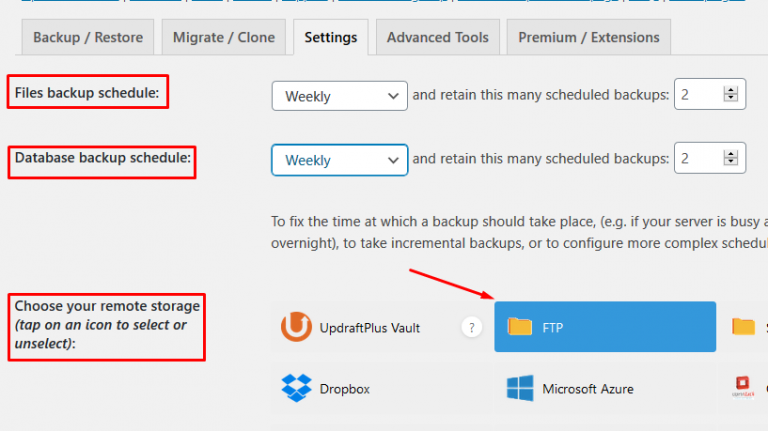
Step::10 Also choose File Backup schedule, Database backup schedule, and choose your remote storage as FTP
Step::11 Now scroll down and fill up the information related to your FTP account like FTP server, and FTP login. FTP password and click over Test FTP Settings
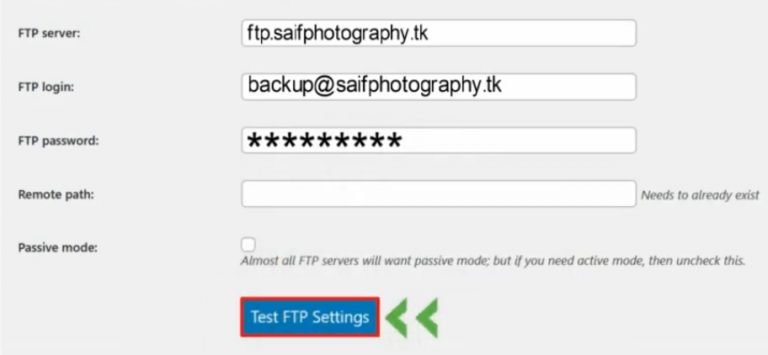
Step::12 If you see a Success message, click on OK button

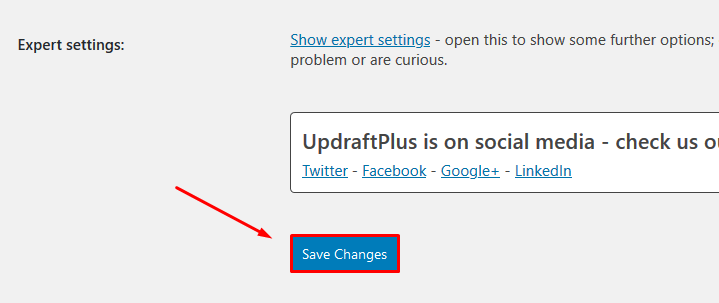
Step::13 Finally click over Save changes
Thanks for reading this article
The End! should you have any inquiries, we encourage you to reach out to the Vercaa Support Center without hesitation.
