cPanel uses a few special ports to serve apps & services for their cPanel, Webmail and WHM logins. And sometimes users may experience issues with non-standart HTTP ports. On this post, we will start learning the basic cPanel Ports, and a way to see if this ports are open or not.
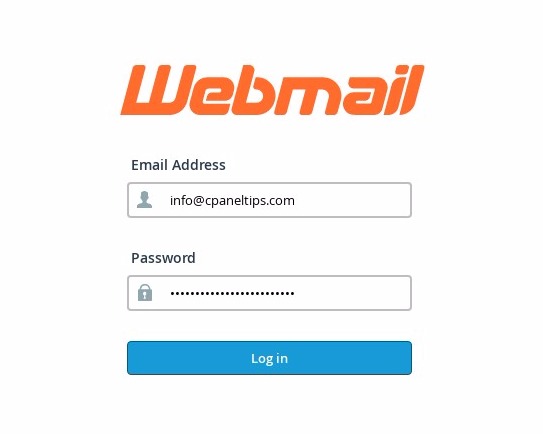 cPanel Classic Login Interface using Webmail Port 2095
What are the default cPanel Ports?
cPanel control panel, and it’s manager interface WebHost Manager (WHM) will always use the following ports in all Dedicated Servers, Clouds and VPS services:
List of Incoming TCP Default cPanel Ports
- 2082 cPanel
- 2083 cPanel + SSL
- 2086 WHM
- 2087 WHM + SSL
- 2089 cPanel License Check
- 2095 Webmail
- 2096 Webmail + SSL
Checking Basic cPanel Ports
Most common cPanel services are accesed using this kind of URLS:
http://yoursitename.com/cpanel or http://yoursitename.com:2082/
http://yoursitename.com/webmail or http://yoursitename.com:2095/
http://yoursitename.com/whm or http://yoursitename.com:2086/
However, sometimes iptables or network firewalls only allow access for HTTP traffic on the traditional and default HTTP port (80). That’s why sometimes it’s useful to check if this ports are open or not. You can run some simple tests in order to figure this out.
Using Telnet to Check if cPanel Ports are Open
We can use Telnet tool to check if the cPanel ports are responding ok or not.
If you are using Windows on your PC, run the following commands on a MS-DOS terminal:
Click Start – Click Run.
Type: cmd and hit Enter.
If you are running Linux or Mac, run the following process:
Open your Linux/Mac console terminal.
A black/white screen will appear, try to introduce this commands:
To check if cPanel port is open:
telnet yoursite.com 2082
telnet yoursite.com 2083
To check if WHM port is open:
telnet yoursite.com 2086
telnet yoursite.com 2087
To check if Webmail ports are open:
telnet yoursite.com 2095
telnet yoursite.com 2096
If the cPanel port is open, you should see this message:
Connected to yoursite.com.
As you see in this example:
[root@nixcp.com ~]$ telnet yoursite.com 2095
Trying Your.Server.IP...
Connected to yoursite.com.
Escape character is '^]'.
If the port was closed, you will clearly see the error message:
[root@nixcp.com ~]$ telnet yoursite.com 2096
Trying Your.Server.IP...
telnet: connect to address Your.Server.IP: Connection refused
[root@nixcp.com ~]$
Conclusion
As you can see, it’s not that hard to find if the webmail cpanel or whm are open or not. If you have purchased a shared web hosting plan all the ports should be open by default. If not, ask for help to your web hosting provider.
The End! should you have any inquiries, we encourage you to reach out to the Vercaa Support Center without hesitation.
